WEBSITES BUILT AROUND YOUR INDUSTRY

Website Development for Schools & Colleges

Give students and families a clear path from discovery to admissions.

An education website needs to speak to prospective families, applicants, current students and staff without making everyone navigate the same long menu. Digital Artic creates websites for schools and colleges with clear academic information, organised admissions guidance and practical publishing tools. We plan the structure around your institution's real programmes and communication needs, making important dates, resources and enquiry routes easier to find on any screen.

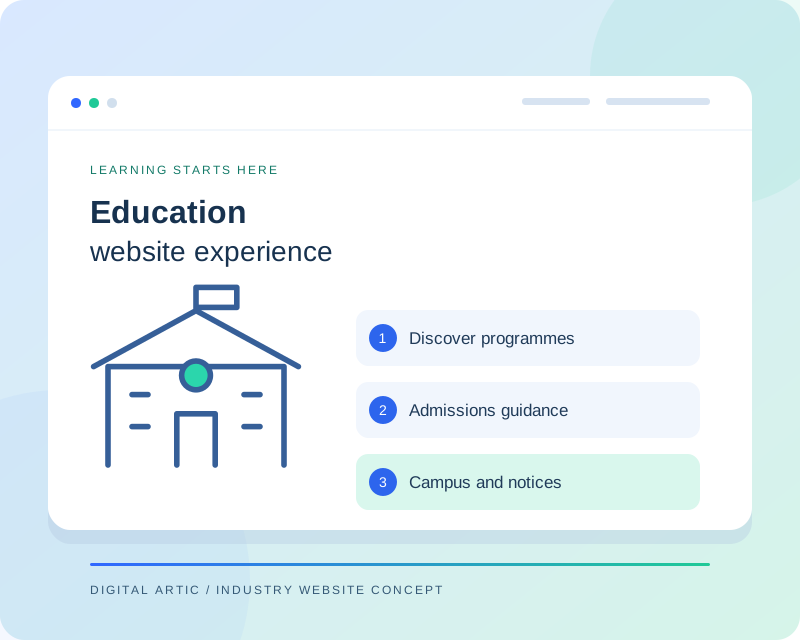
Education website concept showing a campus, academic programmes, admissions guidance and notices
Illustrative website concept
A WEBSITE WITH A CLEAR PURPOSE

Organise your institution around its audiences

A school and a college may share a need for admissions enquiries, but the details differ. Parents may look for age groups, learning approach and visit arrangements, while college applicants may compare programmes, eligibility information and application steps. We establish these priorities before designing templates. Current-student notices and routine resources can then sit in a recognisable area, keeping time-sensitive updates from overwhelming the introduction for new visitors.

CAPABILITIES TO MATCH YOUR WORKFLOW

Education website features we can build

Choose the capabilities your organisation needs. Your project proposal defines the features, content work and integrations included.

01

Academic and programme pages

Create consistent pages for grades, departments or programmes with the details applicants need to compare. Templates can accommodate curriculum overviews, eligibility information and approved learning resources. We distinguish information that changes each academic year from evergreen descriptions, making planned updates easier for the institution's publishing team.

02

Admissions guidance

Explain the enquiry or application process in a sequence visitors can follow. Required documents, published dates and contact options can be presented near the relevant step. We work from your institution's approved process and avoid suggesting that a website enquiry confirms admission or reserves a place automatically.

03

Notices and academic calendar

A structured notice area can separate admissions announcements, examinations, events and general updates. Dates and categories help people identify what is relevant. We can discuss expiry or archiving rules so an old notice does not remain visually indistinguishable from a current instruction after the academic cycle changes.

04

Campus and community stories

Show facilities, activities and institution news through approved photographs and editorial pages. Images should have publication permission, particularly where children appear. We prepare suitable file sizes and captions, and structure galleries so they support the story without making visitors download a large collection before reading essential information.

05

Enquiry routing

Different questions may belong with admissions, a programme office or general administration. Forms can include useful selections and clear confirmation messages. We agree what information should be collected at the enquiry stage, leaving detailed application records to a separately scoped or existing application system where appropriate.

06

Publishing roles and portal links

Staff can be given agreed access to notices, events or programme content through a CMS. Existing student and staff portals can be signposted clearly without recreating their functionality in the public site. Training focuses on common tasks such as adding a notice, replacing a document and updating a deadline.

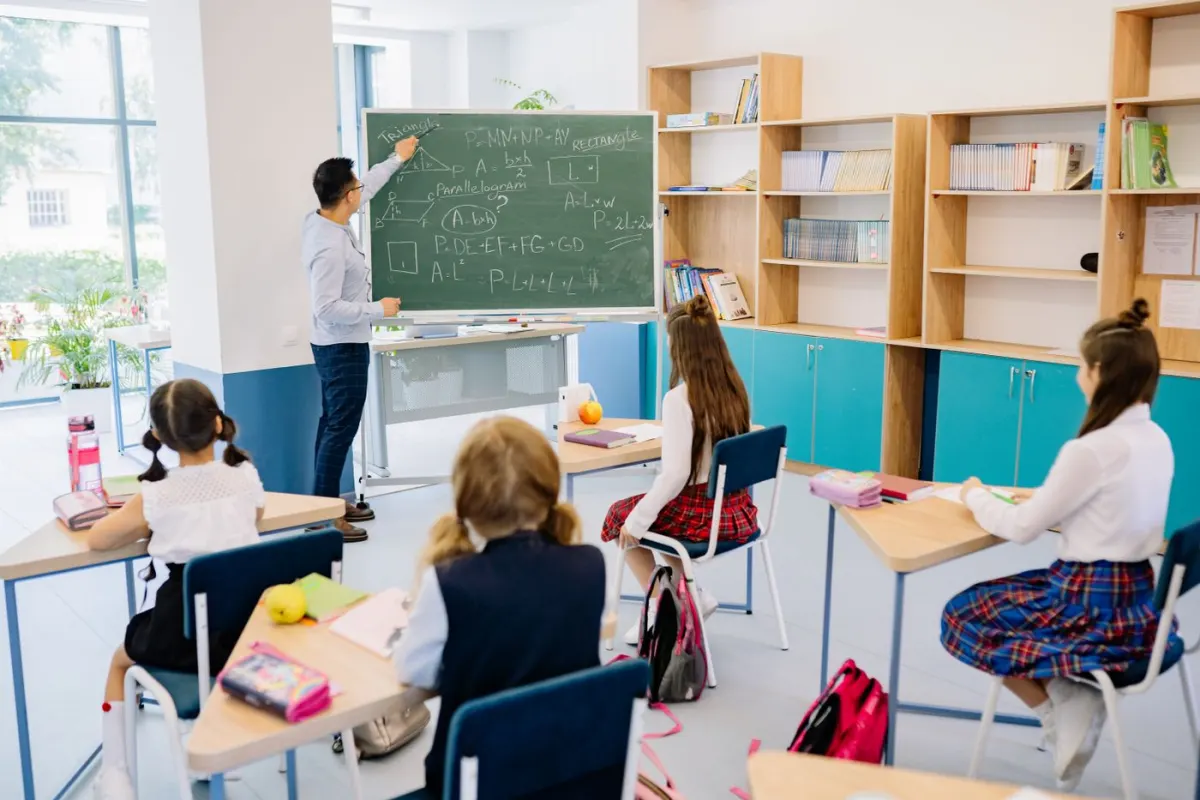
Teacher working with students during a classroom lesson
Education websites

Bring the learning environment to life

Help families discover your academic offering, facilities and admissions process through organised content and photography.

Representative industry photography · Pexels ↗
DESIGN AROUND REAL TASKS

How visitors move through your website

Explore the right programme

An applicant can browse the relevant academic level, review programme information and reach the appropriate admissions guidance. Important requirements stay attached to the programme rather than disappearing into a general prospectus.

Plan a campus enquiry

A parent or prospective student can understand available visit arrangements and contact the right office. Location information, enquiry fields and confirmation wording should reflect the institution's actual response process.

Find a current notice

Returning visitors can locate dated announcements by category. A clear distinction between notices, permanent policies and portal links makes the public website useful beyond the initial admissions season.

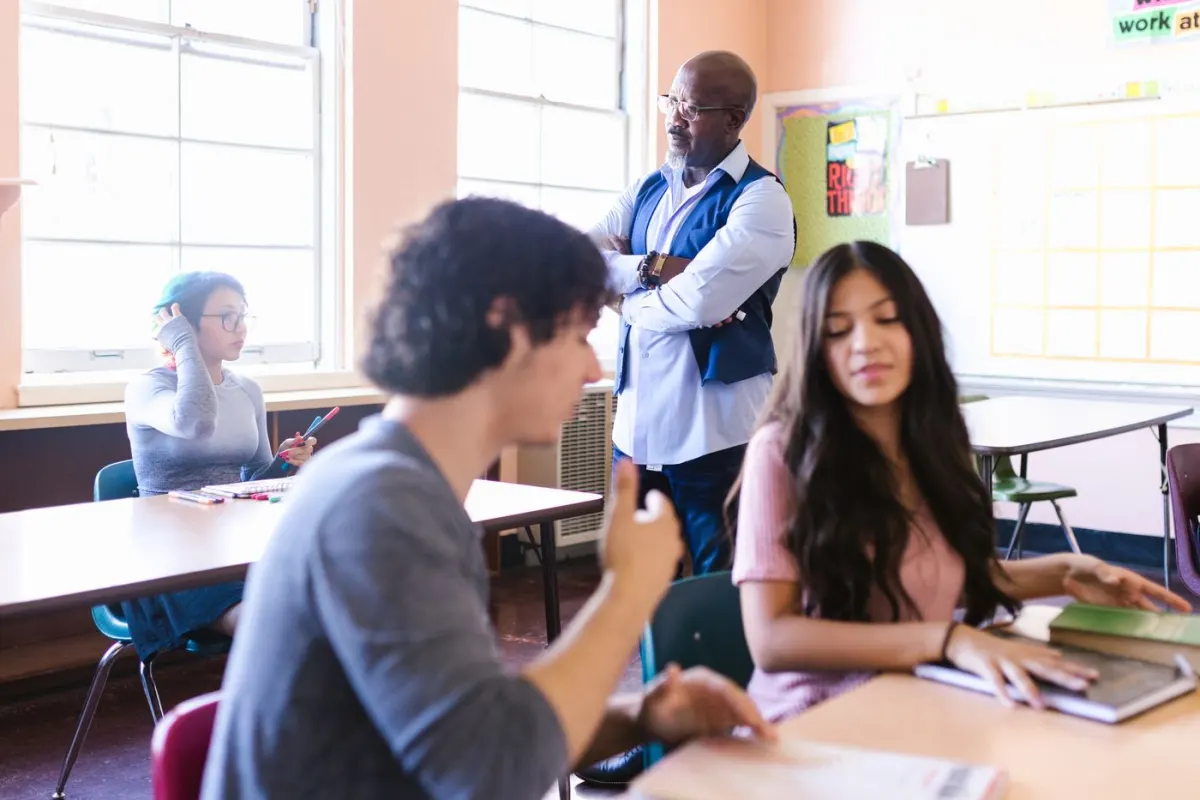
Teacher and students interacting in a classroom
Education websites

Support discovery through to admissions

Connect programme information with the requirements, dates and contact details prospective students need.

Representative industry photography · Pexels ↗
FROM BRIEF TO RELEASE

Our website development process

  1. 01

    Agree the requirements

    We review your audience, content, existing systems and preferred enquiry process. The proposal identifies the pages, functionality, content responsibilities and external dependencies included in your project.

  2. 02

    Review content and design

    Your approved information guides the page structure and visual direction. We review representative layouts with you before expanding the design, so important content and navigation decisions are settled early.

  3. 03

    Build and test the journeys

    Development covers the agreed templates, editing tools and connections. We check representative mobile and desktop layouts, key links and form behaviour, including confirmation messages and error feedback.

  4. 04

    Launch and hand over

    We coordinate access, final content approval and any required redirects before release. Handover explains routine publishing tasks and the maintenance responsibilities agreed for your website.

SCOPE, CONTENT AND OWNERSHIP

Planning your education website project

Separate publishing from student systems

The public website, admissions application platform and student information system may have different owners and access rules. We map the required connections before estimating development. Linking to an existing portal is different from building authenticated student services. This prevents a brochure website proposal from silently expanding into a full institutional software project.

Prepare for the academic cycle

Content preparation should account for admissions dates, programme changes and annual documents. We agree representative templates and an approval schedule with your team. Existing prospectuses and page addresses are reviewed during migration, while staff receive guidance on common updates. Recurring hosting, platform subscriptions and maintenance are discussed alongside the initial development scope.

USEFUL CONTENT. SOLID FOUNDATIONS.

Search visibility and website performance

Education pages should give applicants specific, accurate information about the programmes actually offered. We organise page titles, headings and internal links around that structure, with readable page addresses and descriptive image alternatives. Important admissions information is presented in HTML where practical, supported by downloadable documents. Expired notices can be archived thoughtfully. We do not add unsupported rankings, affiliations or placement claims to attract search traffic; those details must come from approved institutional material.

We prepare the technical foundations and review key page journeys. Search rankings and enquiry volumes depend on additional factors and are not guaranteed by a website launch.

BEFORE YOU BEGIN

Education website development: FAQs

Can admissions applications be submitted online?

An application workflow can be scoped separately from a basic enquiry form. We need to understand required documents, review stages, fees and your existing systems. The solution may be a supported connection to an established platform rather than a new application system.

Can different departments publish their own notices?

A CMS can support agreed editing roles and a review process. We first identify which content each team owns. Publishing permissions and training are then aligned with those responsibilities so routine updates remain manageable.

Can we keep our existing student portal?

Yes. We can retain clear links or assess a supported integration where necessary. Portal credentials and student records do not need to be copied into the public website simply to provide students with a convenient access route.

What content should the institution prepare?

Start with programmes, admissions guidance, contact details, approved photographs and current documents. Confirm any affiliation or achievement claims before publication. A named reviewer for each content area helps keep the project moving and reduces conflicting feedback.

LET'S PLAN YOUR WEBSITE

Discuss your education website with Digital Artic

Share your current website, required features and content readiness. We can then define the scope, dependencies and next steps.

Start a project discussion →