WEBSITES BUILT AROUND YOUR INDUSTRY

Website Development for Real Estate Companies

Make property information easier to explore, compare and enquire about.

A property website must balance visual appeal with information that helps a buyer or tenant make a useful enquiry. Digital Artic develops websites for real estate companies, developers and property consultants with organised listings, project details and clear contact journeys. We plan the content around the properties you actually represent and the way your team handles enquiries, whether the site presents a focused development portfolio or a larger collection of available properties.

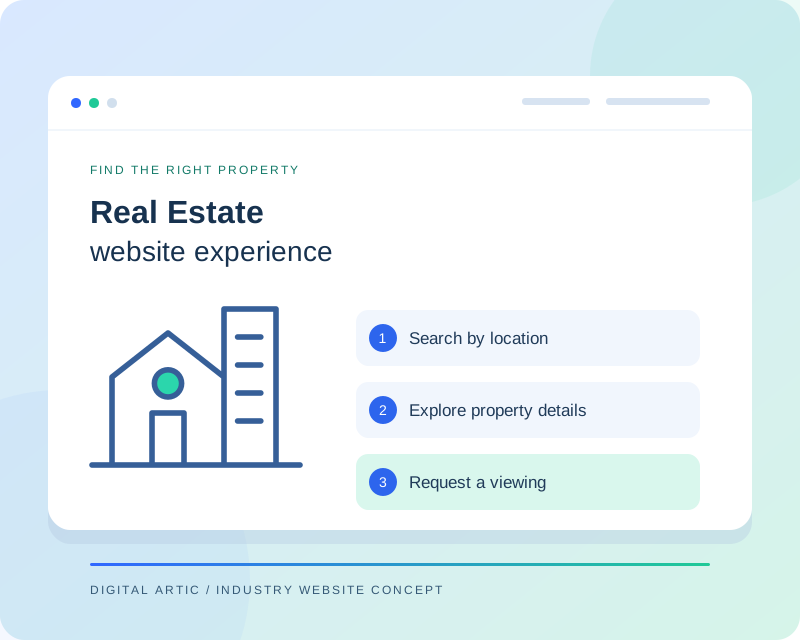
Real estate website concept showing buildings, property listing filters and a viewing request path
Illustrative website concept
A WEBSITE WITH A CLEAR PURPOSE

Connect property discovery with a practical next step

Visitors may search by location, property type, budget or a specific project they already know. We establish which filters your listing data can support and how the results should be presented. Property pages then bring key details, approved media and enquiry options together. The website should distinguish current availability from general project information, with an update process that prevents old listings from appearing to be actively offered indefinitely.

CAPABILITIES TO MATCH YOUR WORKFLOW

Real Estate website features we can build

Choose the capabilities your organisation needs. Your project proposal defines the features, content work and integrations included.

01

Property search and filters

A listing directory can support useful filters such as locality, property type and price range when those fields are consistently maintained. We scope the search around actual inventory rather than adding filters with empty results. Mobile layouts keep the result summary, key details and next action easy to reach.

02

Detailed property pages

Templates can organise area measurements, configuration, approved amenities, location information and enquiry options. Units and labels should be consistent so visitors can compare properties sensibly. We also distinguish a specific available unit from a project overview, avoiding the impression that every illustrated configuration is currently available.

03

Project and development profiles

Developers may need pages covering a project's concept, phases, approved plans and current status. The content structure can support documents and updates supplied by the responsible team. Regulatory information and claims about approvals are published from verified client material, with your reviewers confirming what is accurate and appropriate.

04

Galleries and floor plans

Property imagery should have useful captions and efficient file sizes. We can label floor plans and visualisations according to the material you provide, distinguishing illustrations from actual photographs. Large brochures or media files remain optional downloads so visitors can read essential property details without waiting for them.

05

Viewing and enquiry journeys

An enquiry can carry the listing reference into a form and ask for the visitor's preferred contact details or viewing request. CRM routing is assessed separately. The confirmation should explain that the team will respond, unless a connected scheduling system can genuinely confirm a viewing slot.

06

Listing administration

Your team needs a practical way to add properties, revise information and mark listings as unavailable. We agree the fields, permissions and update process before development. Feed-based inventory needs clear rules for refreshes and missing data, while manually managed listings need an owner responsible for keeping them current.

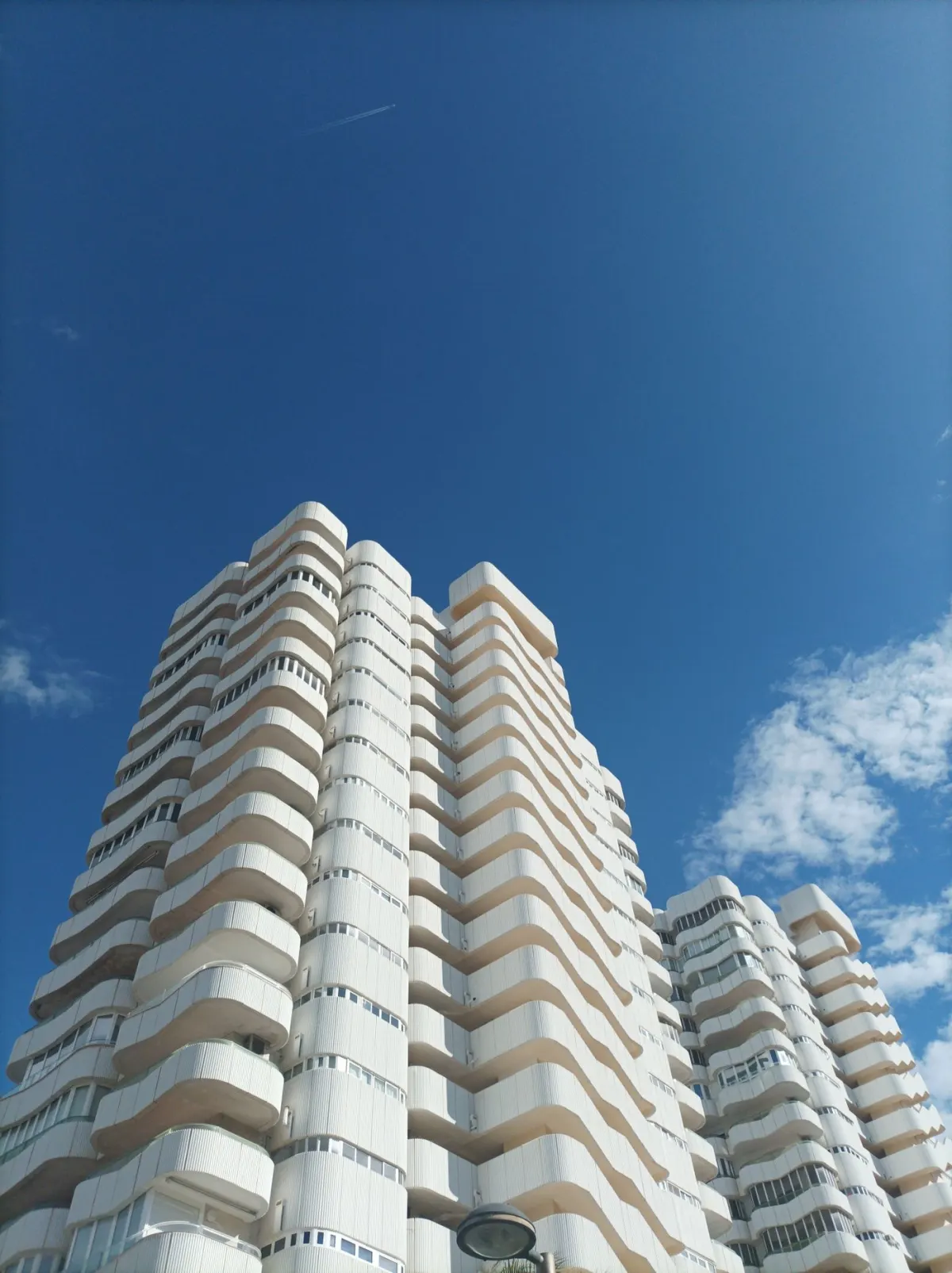
Modern residential towers rising against a blue sky
Real Estate websites

Make property discovery more visual

Combine property photography with clear listing details, location information and useful search filters.

Representative industry photography · Pexels ↗
DESIGN AROUND REAL TASKS

How visitors move through your website

Narrow a property search

A visitor selects meaningful criteria and reviews a manageable set of results. Listing cards provide enough information to choose a detail page without hiding all useful facts behind a contact request.

Understand a project

A prospective buyer can distinguish the overall development from a particular property configuration. Approved plans, status information and location details remain connected, helping the visitor prepare relevant questions for your team.

Request a viewing

The selected property reference travels with the enquiry, reducing ambiguity for the receiving agent. The visitor sees a clear acknowledgement and understands whether the request awaits confirmation or has been booked through a supported system.

Contemporary apartment buildings and landscaped grounds beneath a cloudy sky
Real Estate websites

Connect interest to a viewing enquiry

Give visitors the project context and property details they need before contacting your team about a viewing.

Representative industry photography · Pexels ↗
FROM BRIEF TO RELEASE

Our website development process

  1. 01

    Agree the requirements

    We review your audience, content, existing systems and preferred enquiry process. The proposal identifies the pages, functionality, content responsibilities and external dependencies included in your project.

  2. 02

    Review content and design

    Your approved information guides the page structure and visual direction. We review representative layouts with you before expanding the design, so important content and navigation decisions are settled early.

  3. 03

    Build and test the journeys

    Development covers the agreed templates, editing tools and connections. We check representative mobile and desktop layouts, key links and form behaviour, including confirmation messages and error feedback.

  4. 04

    Launch and hand over

    We coordinate access, final content approval and any required redirects before release. Handover explains routine publishing tasks and the maintenance responsibilities agreed for your website.

SCOPE, CONTENT AND OWNERSHIP

Planning your real estate website project

Set listing rules before importing inventory

The number of properties is only one part of the scope. Variations in data quality, duplicate entries, image ownership and status updates can create additional work. We review sample records and decide how unavailable listings will be treated. Consistent field definitions also make later filters, imports and reporting easier to maintain.

Agree integrations and content ownership

A CRM connection, inventory feed and map feature each have separate provider dependencies and potential recurring costs. We define the actual information exchanged and who maintains it. Before launch, your team approves published property claims, contact routing and document versions. We also plan the treatment of existing listing URLs when properties are withdrawn or replaced.

USEFUL CONTENT. SOLID FOUNDATIONS.

Search visibility and website performance

Real estate pages need substantive property and project information, not dozens of interchangeable location pages. We create descriptive listing titles, readable URLs and sensible links between relevant properties and project pages. Search-filter combinations require indexing decisions so empty or repetitive result pages do not dominate the site. Images receive accurate descriptions, and withdrawn listings have an agreed handling strategy. We do not invent local offices, guaranteed returns or availability claims for search visibility.

We prepare the technical foundations and review key page journeys. Search rankings and enquiry volumes depend on additional factors and are not guaranteed by a website launch.

BEFORE YOU BEGIN

Real Estate website development: FAQs

Can agents add and update listings?

A CMS can provide agreed listing access for your team. We define required fields, review responsibilities and status changes. If multiple agents contribute, the publishing process should prevent inconsistent information or duplicate records.

Can the website pull properties from our CRM?

We can assess a supported feed or API. The available fields, refresh frequency and provider permissions determine what can be implemented. A connection needs testing for updates, unavailable properties and incomplete records as well as new listings.

Can we show maps and nearby information?

Map features can be scoped using an appropriate provider and approved property locations. Provider charges may apply. Nearby information should be accurate and useful, with your team reviewing claims rather than treating automatically generated descriptions as verified facts.

What happens when a property is no longer available?

We agree whether to archive the listing, show an unavailable status with relevant alternatives or remove it with appropriate URL handling. The right choice depends on whether the page still provides useful project information and how your inventory is maintained.

LET'S PLAN YOUR WEBSITE

Discuss your real estate website with Digital Artic

Share your current website, required features and content readiness. We can then define the scope, dependencies and next steps.

Start a project discussion →