WEBSITES BUILT AROUND YOUR INDUSTRY

Website Development for Hospitals

Help patients find the right department, specialist and next step.

A hospital website serves people with very different needs: a patient looking for a specialist, a family planning a visit, a referring doctor checking a department, or a candidate exploring careers. Digital Artic develops hospital websites that organise these journeys clearly. We bring departments, consultant profiles, visiting information and enquiry routes into a coordinated structure, so essential information is easier to locate on a phone as well as a desktop.

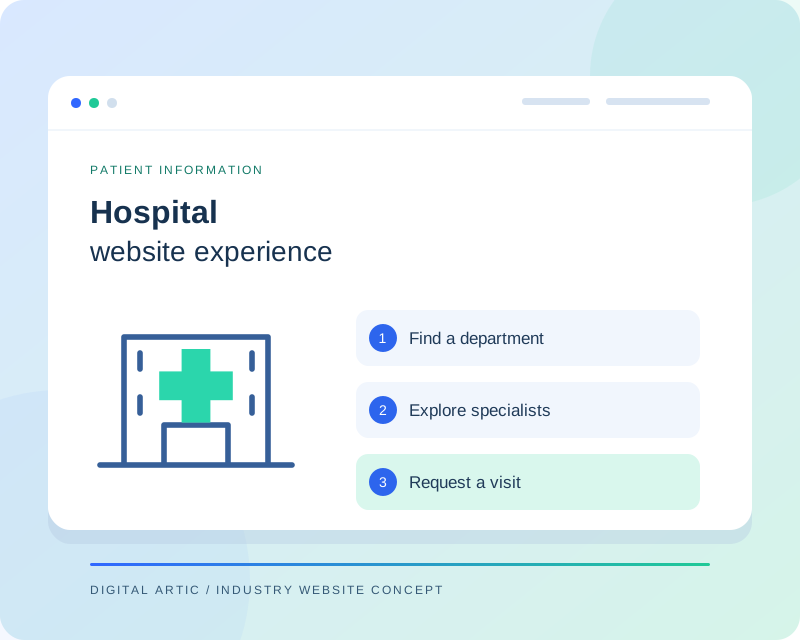
Hospital website concept showing a department directory, specialist profiles and an appointment request path
Illustrative website concept
A WEBSITE WITH A CLEAR PURPOSE

A clear digital front door for your hospital

Large menus and disconnected pages can make even accurate hospital information difficult to use. We begin by mapping the questions people ask before they contact your team. Which branch offers the service? Who handles appointments? Where should a visitor go? The answers guide navigation, page templates and the placement of important contact details. Department pages can connect to relevant consultants and facilities without forcing visitors to repeat their search.

CAPABILITIES TO MATCH YOUR WORKFLOW

Hospital website features we can build

Choose the capabilities your organisation needs. Your project proposal defines the features, content work and integrations included.

01

Department and specialty pages

Give each department an organised introduction, a description of available services, associated doctors and a clear contact route. We can create reusable templates while allowing specialist information to vary. Your clinical team supplies or approves healthcare statements, and unavailable services are excluded rather than added simply to attract searches.

02

Searchable doctor directory

Help visitors browse approved profiles by specialty or branch. Profiles can present qualifications, professional experience, languages and consultation arrangements supplied by your hospital. We discuss how roster changes will be maintained, so a directory does not quietly become disconnected from the people actually available to see patients.

03

Appointment request journeys

An appointment request should explain what happens after submission. We plan department selection, minimal contact fields, confirmation messages and the internal destination for enquiries. If scheduling is handled elsewhere, we can assess a supported integration. A request is not presented as a confirmed appointment unless the connected system actually confirms it.

04

Branch and visitor guidance

Dedicated location information can include address, directions, published visiting hours and facilities relevant to a visit. Multi-branch hospitals need a clear distinction between shared information and branch-specific services. We make important telephone numbers easy to use on mobile and provide an editing structure for operational updates.

05

Patient information publishing

A structured content area gives your team a place to publish approved preparation guidance, general patient resources and hospital announcements. Articles can show their author or reviewer and review date when that information is available. Content ownership is agreed so outdated instructions can be identified and revised.

06

Controlled content management

Different teams may maintain careers, department information and news. We can scope appropriate editing roles, review workflows and reusable page sections. Public forms should avoid unnecessary clinical details; any requirement for records, reports or a patient portal is reviewed as a separate authenticated workflow with its own requirements.

Medical professionals walking together through a hospital corridor
Hospital websites

Help patients find the right care team

Connect department information, specialist profiles and appointment enquiries in one clear website journey.

Representative industry photography · Pexels ↗
DESIGN AROUND REAL TASKS

How visitors move through your website

Find a suitable service

A visitor moves from a specialty overview to a department and then to an approved doctor profile. Each step preserves context, with relevant contact options close to the information rather than hidden in a general footer.

Plan a hospital visit

A family can check the correct branch, published visiting arrangements and directions before travelling. Clear location labels reduce confusion when facilities or operating hours differ across buildings and branches.

Send an appointment enquiry

A patient selects the relevant department and submits the agreed contact details. The confirmation explains how the hospital responds, while the receiving team gets enough context to direct the enquiry appropriately.

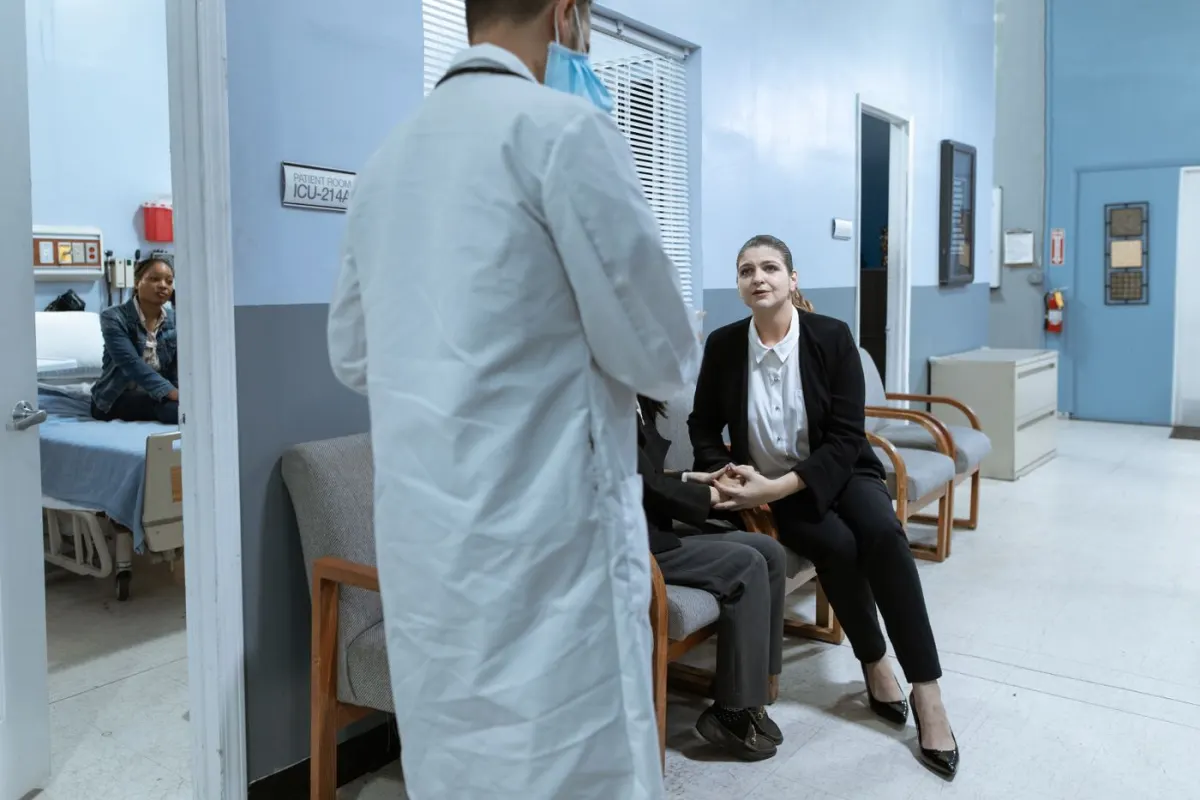
Healthcare professionals and visitors talking in a hospital hallway
Hospital websites

Make the next visit easier to plan

Bring branch details, visitor information and contact options close to the information patients need.

Representative industry photography · Pexels ↗
FROM BRIEF TO RELEASE

Our website development process

  1. 01

    Agree the requirements

    We review your audience, content, existing systems and preferred enquiry process. The proposal identifies the pages, functionality, content responsibilities and external dependencies included in your project.

  2. 02

    Review content and design

    Your approved information guides the page structure and visual direction. We review representative layouts with you before expanding the design, so important content and navigation decisions are settled early.

  3. 03

    Build and test the journeys

    Development covers the agreed templates, editing tools and connections. We check representative mobile and desktop layouts, key links and form behaviour, including confirmation messages and error feedback.

  4. 04

    Launch and hand over

    We coordinate access, final content approval and any required redirects before release. Handover explains routine publishing tasks and the maintenance responsibilities agreed for your website.

SCOPE, CONTENT AND OWNERSHIP

Planning your hospital website project

Define the public website boundary

Hospital websites and clinical systems have different responsibilities. We document whether your project needs public information only, a booking connection or a separate authenticated area. Integration feasibility depends on vendor interfaces, access and testing arrangements. This distinction keeps the proposal clear and avoids assuming that sensitive records should travel through ordinary website forms.

Plan approvals and ongoing updates

The number of departments, consultant profiles, branches and language versions affects the schedule. Nominate content owners early and collect approved photographs with publication permission. Before launch, review directory entries, enquiry delivery and important contact links. Maintenance should include a process for changing schedules, removing departed consultants and refreshing time-sensitive information.

USEFUL CONTENT. SOLID FOUNDATIONS.

Search visibility and website performance

Search preparation starts with useful department and branch pages, not repeated keyword variations. We organise descriptive URLs, unique page titles, meaningful headings and links between specialties and consultant profiles. Hospital-approved images receive descriptive alternative text, while large photographs are compressed. For a redesign, important existing addresses are mapped to their replacements. We also discuss how your team will review medical content over time, because accurate information matters beyond the initial website launch.

We prepare the technical foundations and review key page journeys. Search rankings and enquiry volumes depend on additional factors and are not guaranteed by a website launch.

BEFORE YOU BEGIN

Hospital website development: FAQs

Can the website connect to our appointment software?

We can assess the software's supported interfaces and booking flow. The proposal will distinguish a simple request form, an external booking link and a real-time integration. Access, vendor cooperation and confirmation behaviour are checked before a connection is promised.

Can patients upload medical reports?

That requires a separate assessment of access controls, storage, retention and your hospital's policies. We do not add clinical document uploads to a standard public enquiry form by default. Your responsible team must approve any workflow involving patient records.

Who writes and approves the healthcare information?

We can organise and edit website copy using material your hospital supplies. Clinical statements and patient instructions need approval from your designated clinical reviewers. The publishing structure can display reviewer information and review dates where appropriate.

Can a hospital group manage several locations?

Yes, the scope can include branch pages and filters linking doctors and services to the right location. We first establish which content is shared, which information varies and who has responsibility for keeping each branch's details current.

LET'S PLAN YOUR WEBSITE

Discuss your hospital website with Digital Artic

Share your current website, required features and content readiness. We can then define the scope, dependencies and next steps.

Start a project discussion →