WEBSITES BUILT AROUND YOUR INDUSTRY

Website Development for Doctors

Present your practice clearly and make the first enquiry easier.

People visiting a doctor's website often want practical answers before they make contact: what the practice offers, where the clinic is, how consultations work and how to request a visit. Digital Artic creates websites for individual doctors and group practices that put those answers within reach. Your professional identity, approved service information and clinic arrangements guide the design, with a straightforward mobile experience for patients and accompanying family members.

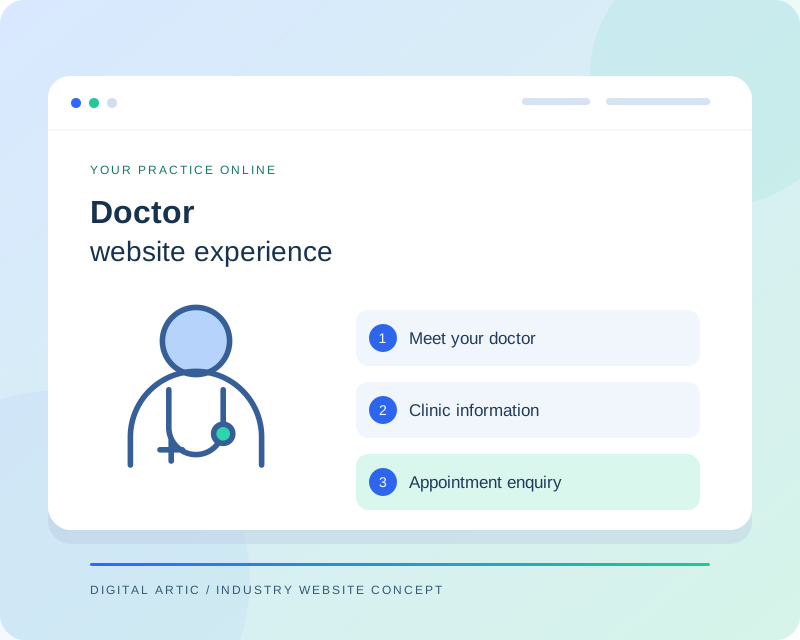
Doctor website illustration with a professional profile, clinic information and an appointment enquiry button
Illustrative website concept
A WEBSITE WITH A CLEAR PURPOSE

Build a useful website around your practice

A doctor's website should help a visitor understand the practice without overwhelming them with a hospital-sized directory. We organise the core pages around your specialism, consultation locations and patient questions. A focused profile can explain your background while service pages describe what the practice actually provides. We also plan how changes such as revised clinic hours or a new consultation location will be published by your team.

CAPABILITIES TO MATCH YOUR WORKFLOW

Doctor website features we can build

Choose the capabilities your organisation needs. Your project proposal defines the features, content work and integrations included.

01

Professional profile and credentials

Present your qualifications, experience and areas of practice in a readable profile. We work with information you verify and provide space for relevant professional details without inventing awards or affiliations. The design can support an individual practitioner or a small group while keeping each doctor's information distinct.

02

Practice service pages

Explain the services available at your clinic in language patients can follow. Pages can outline consultation arrangements, practical preparation information and the next contact step. Your approved content sets the boundaries; the website should not imply that reading a page replaces an individual assessment or guarantees an outcome.

03

Appointment and callback requests

We can build a focused enquiry form or connect visitors to your existing booking provider. The interface should distinguish a callback request from an available appointment slot. Required fields, confirmation wording and the recipient are agreed with the practice, reducing unnecessary back-and-forth for both visitors and reception staff.

04

Clinic locations and schedules

Publish the address, map link, contact number and approved consultation schedule for each location. If you visit several clinics, visitors should be able to tell where a particular session takes place. A clear editing approach helps your team update arrangements without rebuilding the entire page.

05

Educational resources

An article area can support practice-approved explanations and common patient questions. We can include author and review information, sensible categories and links to relevant services. Your publishing process should identify when material needs review, especially when it refers to preparation instructions or consultation procedures.

06

Accessible mobile presentation

Readable text, clear labels and straightforward navigation help people use the site on smaller screens. We consider keyboard access and form feedback during development. Photographs are prepared at appropriate sizes, and important contact actions remain easy to find without covering the information a visitor came to read.

Two doctors seated together discussing information in a clinical setting
Doctor websites

Introduce the people behind your practice

Give visitors a clear professional profile, practice information and a straightforward appointment enquiry route.

Representative industry photography · Pexels ↗
DESIGN AROUND REAL TASKS

How visitors move through your website

Get to know the doctor

A visitor reviews your professional background and areas of practice, then finds relevant service information. Authentic approved photography and a consistent tone make the profile feel connected to the real consultation experience.

Choose the correct clinic

Someone checking your availability can distinguish consultation locations and published schedules. Each location provides its own directions and contact route, helping reception avoid enquiries intended for a different clinic.

Prepare an enquiry

A prospective patient can understand the booking process before providing contact details. The response message explains the next step using the practice's actual arrangements rather than promising an instant confirmation that staff cannot fulfil.

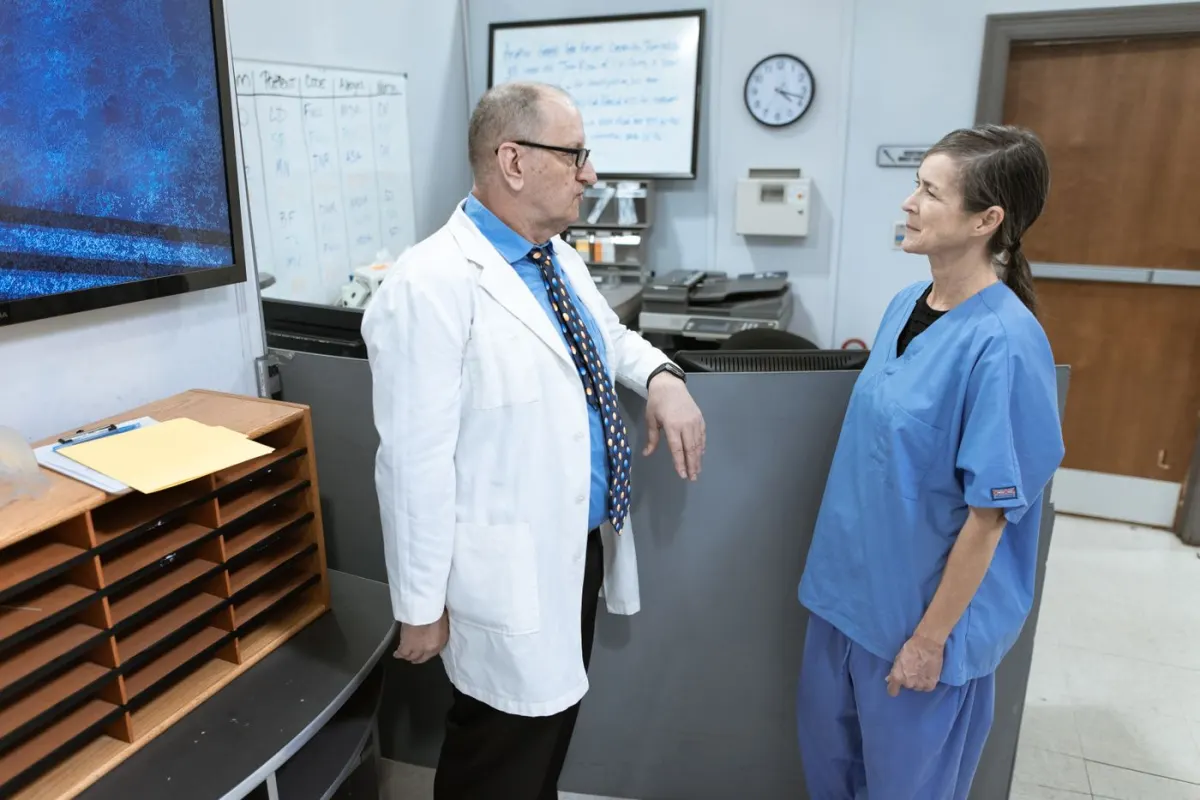
Medical practitioners discussing information together in a hospital corridor
Doctor websites

Keep clinic information connected

Organise consultation locations, schedules and useful patient resources so visitors can prepare their enquiry.

Representative industry photography · Pexels ↗
FROM BRIEF TO RELEASE

Our website development process

  1. 01

    Agree the requirements

    We review your audience, content, existing systems and preferred enquiry process. The proposal identifies the pages, functionality, content responsibilities and external dependencies included in your project.

  2. 02

    Review content and design

    Your approved information guides the page structure and visual direction. We review representative layouts with you before expanding the design, so important content and navigation decisions are settled early.

  3. 03

    Build and test the journeys

    Development covers the agreed templates, editing tools and connections. We check representative mobile and desktop layouts, key links and form behaviour, including confirmation messages and error feedback.

  4. 04

    Launch and hand over

    We coordinate access, final content approval and any required redirects before release. Handover explains routine publishing tasks and the maintenance responsibilities agreed for your website.

SCOPE, CONTENT AND OWNERSHIP

Planning your doctor website project

Choose a manageable first release

An individual practice may need a professional profile, a small set of service pages, clinic information and a contact route. A group practice can require several biographies, location filters and a more structured publishing system. We agree the initial content set and integrations before estimating the project, leaving optional additions visible as later decisions.

Keep the practice information current

Changes to clinic hours, contact numbers and consultation arrangements should have a named owner. We can provide editing guidance and discuss maintenance separately from content approval. Before launch, the practice checks every professional detail and tests the appointment journey. Patient photographs or testimonials are published only when you provide suitable permission and approved material.

USEFUL CONTENT. SOLID FOUNDATIONS.

Search visibility and website performance

Each practice page should answer a genuine question rather than repeat the same introduction under several service names. We prepare descriptive titles, headings, image alt text and relevant internal links. Location details are presented consistently using the information you approve. Existing page addresses are reviewed during a redesign so useful links can be preserved or redirected. Search visibility also depends on your wider online presence and the quality and accuracy of the information maintained after launch.

We prepare the technical foundations and review key page journeys. Search rankings and enquiry volumes depend on additional factors and are not guaranteed by a website launch.

BEFORE YOU BEGIN

Doctor website development: FAQs

Do I need a large website for a single clinic?

Not necessarily. A focused website can cover your profile, services, clinic details and appointment process well. We recommend the page structure after reviewing what visitors need and how much approved content your practice can maintain.

Can you add online consultations?

We can discuss linking to or integrating a consultation platform your practice already uses. Scheduling, payments and patient information handling must be scoped separately. The website should describe the actual service arrangements approved by your practice.

Can reception update consultation hours?

A content-managed build can provide an editing area for clinic information. We agree which details staff should control and explain how to make updates. The workflow can keep shared information consistent across the relevant pages.

Will you add patient reviews?

We can present genuine review material you are authorised to publish, with accurate attribution. We do not invent patient experiences or results. The practice is responsible for approving publication and any applicable professional requirements.

LET'S PLAN YOUR WEBSITE

Discuss your doctor website with Digital Artic

Share your current website, required features and content readiness. We can then define the scope, dependencies and next steps.

Start a project discussion →